Why You Should Build on Cloudflare by Default
I've run production workloads on Cloudflare for five years - a web analytics SaaS handling 50M requests/day and a code protection tool built on Workers. I've also set up infrastructure on AWS, GCP, and DigitalOcean. This is a practical comparison, not a pitch.
I wrote a longer version with architecture diagrams and pricing breakdowns. This article focuses on the decision: should Cloudflare be your default?
The Free Tier That Actually Works
Most free tiers are 12-month trials with gotchas. Cloudflare's doesn't expire and has no credit card requirement:
- 100K serverless requests/day
- Unlimited static site bandwidth
- 5GB edge SQL database
- ~10GB object storage with zero egress
- Key-value store, queues, durable actors - all included
The egress pricing difference matters at scale. AWS S3 charges ~\(90/TB for data transfer out. R2 charges \)0. My storage bill for serving millions of requests is effectively zero.
Cold Starts: The Numbers
Workers use V8 isolates instead of containers. The cold start difference is not incremental - it's a different architecture:
| Platform | Cold Start | What's Happening |
|---|---|---|
| Cloudflare Workers | < 5ms | V8 isolate spins up |
| AWS Lambda | 100-500ms | Container boots |
| Google Cloud Run | 1-3 seconds | Container + app init |
In production, my p99 latency from Singapore is under 50ms. The same endpoint on Lambda from Singapore would add 200-300ms of network latency before the cold start even begins.
Three Commands to Production
npm create cloudflare@latest my-api
cd my-api
npx wrangler deploy
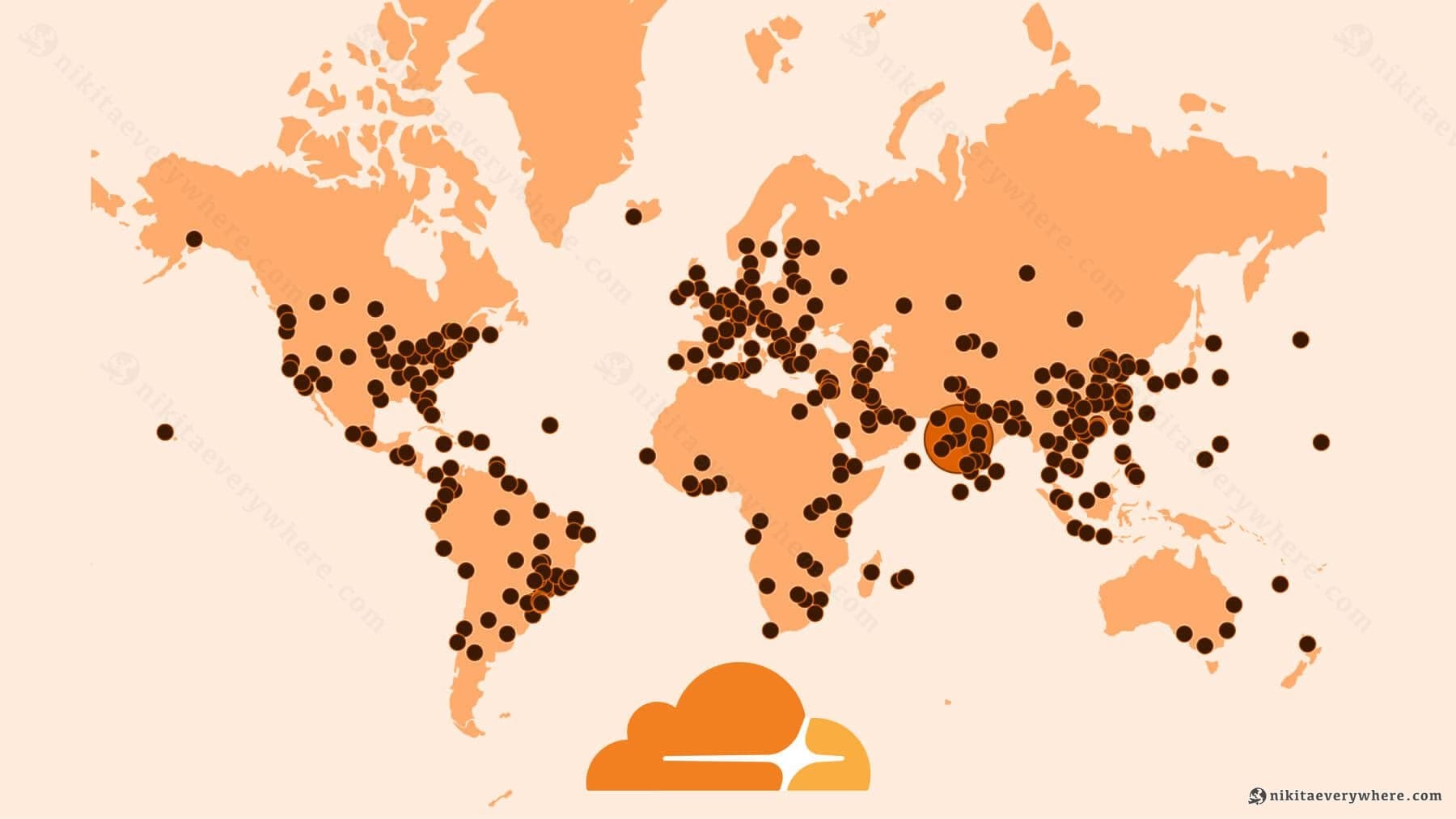
No IAM policies. No VPC. No Kubernetes. No Dockerfiles. This deploys to 300+ cities globally.
Compare with GCP: enable APIs, configure Cloud Run, set up Artifact Registry, write a Dockerfile, configure IAM service accounts, set up a load balancer. That's a day of work before you write business logic.
What I Actually Run on It
Analytics SaaS (50M req/day): Workers handle proxy requests at the edge, R2 stores processed data, KV handles configuration. The entire infrastructure costs less than a single AWS EC2 instance would.
Code protection API: A Rust binary compiled to Workers with sub-5ms response times globally. The deploy is npx wrangler deploy - same as any JS project.
Common architecture patterns that work well:
- Static frontend (Pages) + API (Workers) + database (D1) - full Next.js support
- Async processing: Workers → Queues → Workers → R2, with built-in retry
- AI pipelines: Workers orchestrating multiple LLM providers via AI Gateway
Where It Falls Short
Being honest about the limitations:
- 5-minute execution cap on Workers. Containers (beta) help but aren't GA yet
- No GPU compute. Workers AI handles inference, not training
- D1 is SQLite. Great for most cases, but if you need PostgreSQL-specific features, look elsewhere
- HIPAA/FedRAMP gaps. Enterprise compliance lags AWS and GCP significantly
- Vendor lock-in on stateful services. Durable Objects and KV are proprietary. But Workers run standard JS/TS, D1 exports as SQLite, and R2 is S3-compatible - the compute layer is portable
If you need long-running jobs, GPU training, or strict regulatory compliance, Cloudflare isn't the answer today. For everything else - startups, SaaS, APIs, developer tools - the cost/simplicity/performance balance is unmatched.
I covered this in more depth with additional architecture examples and code.